x

welcome to my website refresh page A description, chatbox or some other content. You can also delete this section if you want.
home Home about About me notes Blog media Links resources Resources credits Credits paint Paint
Hello
x Hello there! This layout is a bit more complicated than my previous layouts, so I will write some important info and instructions here.
Read me
  • DEMO ONLY – NOT FOR USE

    This is a preview of a paid HTML/CSS layout by Itinerae.
  • Shop this layout here:
    ko-fi.com/itinerae


    After purchase, you will receive a direct download link to a .zip file hosted on Google Drive.
  • After download, extract / unzip the .zip file before using the layout.
    This ensures all fonts and assets load correctly.
  • This layout includes :
    /fonts
    - index.html (using external files for CSS and JS)
    - index_with_everything.html (CSS, HTML and JS on the same page)
    - style.css
    - script.js

    - quick instructions.txt
    - user manual.txt
  • This layout is NOT responsive. This means the layout is desktop-only and is not intended for mobile screens.
  • You are welcome to look at the source code to understand how the layout works, but please do not copy ANY code directly from this demo. I have spent many hours making this.
  • This layout requires intermediate knowledge of HTML and CSS (including flexbox).
  • The JS for this layout was created with the help of AI. Editing the JS is not required for normal customization.
  • All windows are draggable. You can minimize them to the taskbar or close them. The maximize button is included for style only and is disabled in this layout.
  • You can change the icons to your own liking. The icons used here are from Pixel art icons. I converted SVGs to PNGs.

    You can find classic Windows icons here.

    This site also has a great collection of old web icons.

    Note: You may need to crop some icons if they appear too small.
  • The icons on the left side can behave as normal links opening another page.
  • Or they can open windows like this one. Test by clicking "about me" "credits" or "paint".

    Popup window content is edited in the hidden HTML sections near the bottom of the page.

    Windows can be any size you want.

    Windows open in random positions by default. You can also make the window open at a specific location (instructions are in the user manual).
  • The links in the Start menu are normal links.
  • To add music to the CD player, you need a direct audio file link, usually ending in .mp3.
  • You can edit this layout as much as you want.
  • If you are unsure about something / have problems with the original layout code, feel free to send me an email or message me on Ko-fi. I will reply as soon as I can. :)

    I cannot guarantee support for problems caused by heavy custom edits, removed code, added scripts, so please edit carefully and keep a backup copy. :3
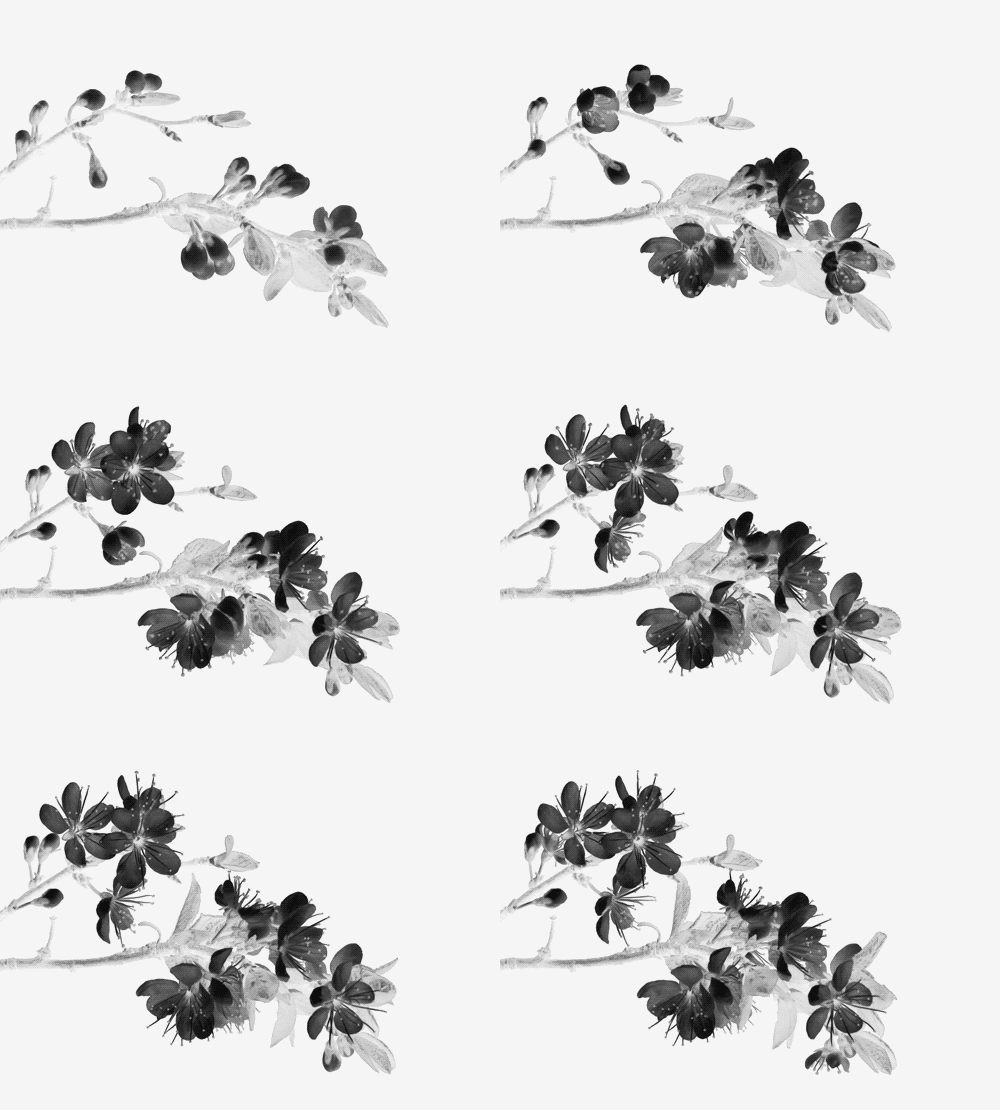
Image example
flower
CD player
album art
0:00 0:00
Your name x

Lorem ipsum dolor sit amet, consectetur adipiscing elit. Praesent quis posuere enim, in convallis augue. Ut ac vehicula neque, quis accumsan dolor. Sed ullamcorper lacus sit amet nulla mollis mattis. Fusce finibus augue massa, a imperdiet justo ullamcorper vitae.

mood focused
listening spotify
working on this website
online since 2002
This layout was made by Shye / Itinerae, with inspiration from 98.css. Scrollbar code is from here. Classic MS Paint is from here. The icons are from Pixel art icons. The main font is W95FA.